Restoring the Full Project Tree or List
Use this procedure to remove the current filter in effect in Projects pane to restore all projects in the project tree or list.
-
Navigate to the Projects view. (See Opening the Projects View if additional instructions are needed.)
-
Click the
 icon in the criterion field to remove the current Projects pane filter: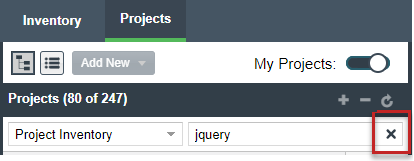
The project tree or list is restored to show all projects.